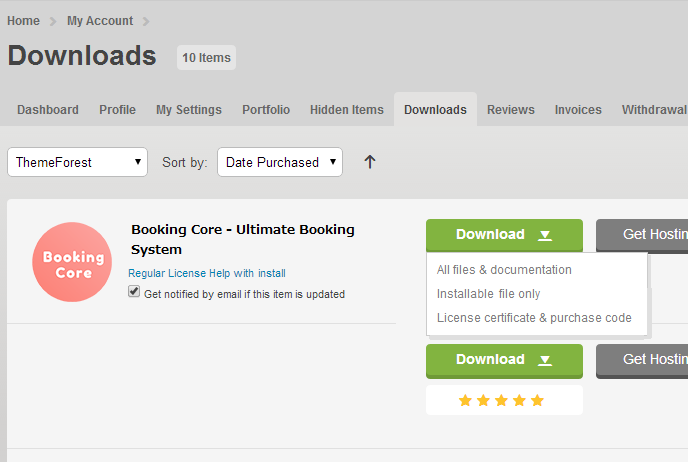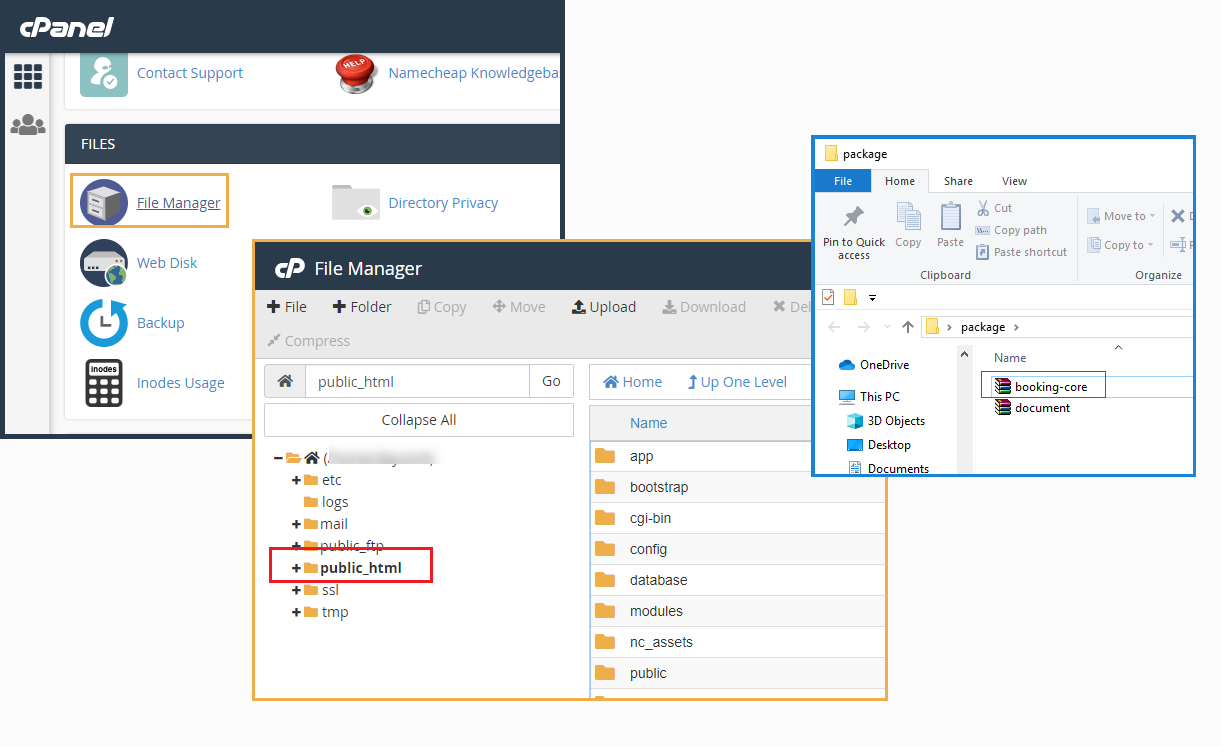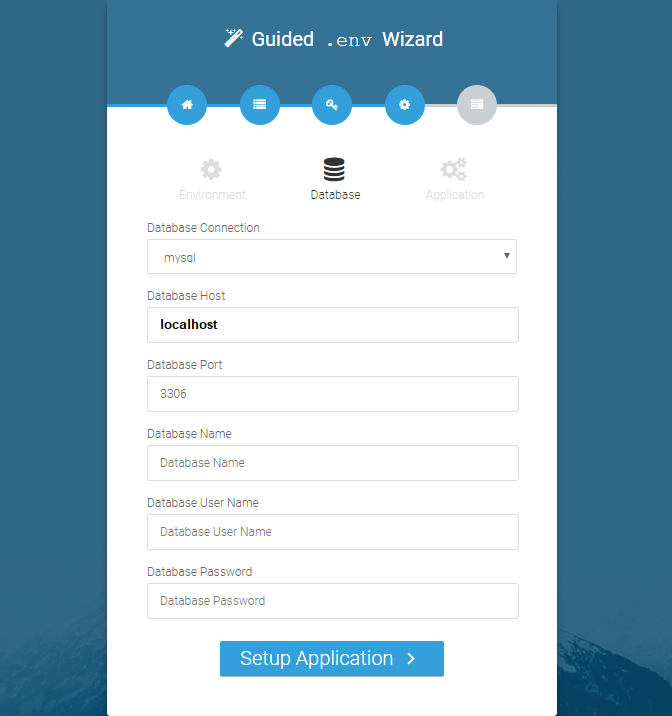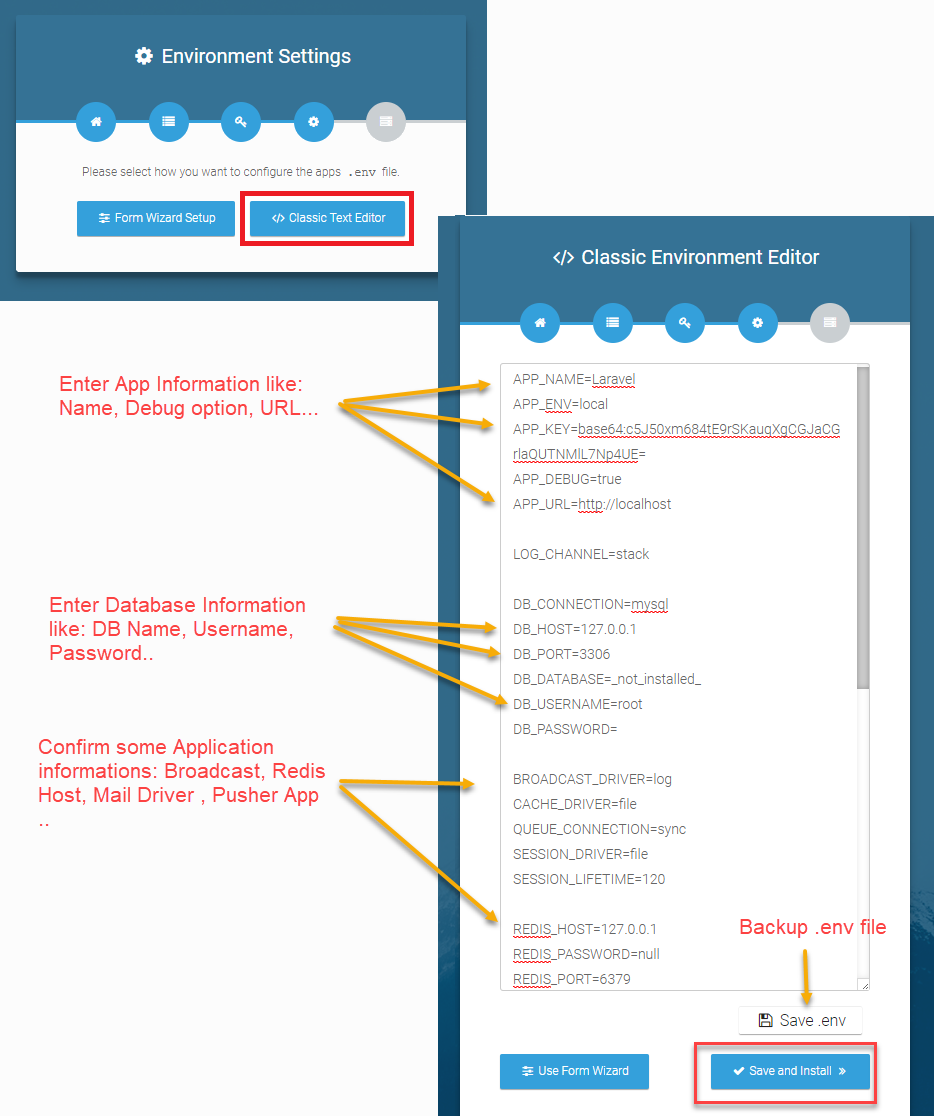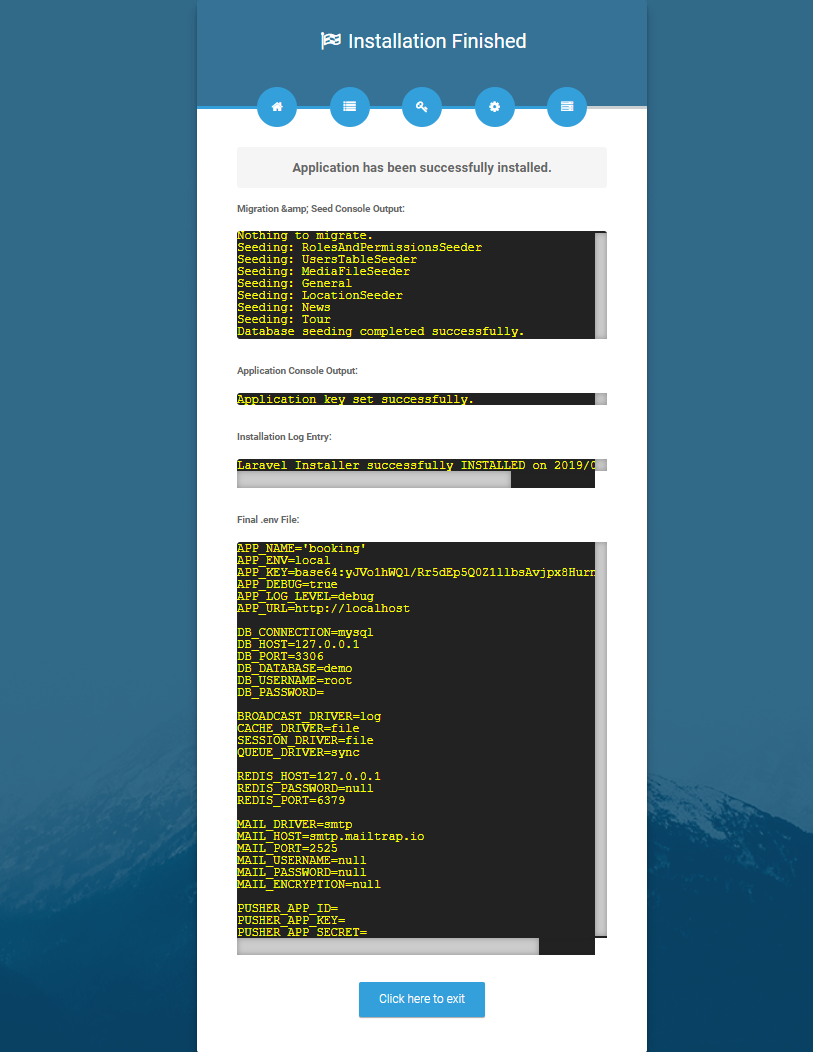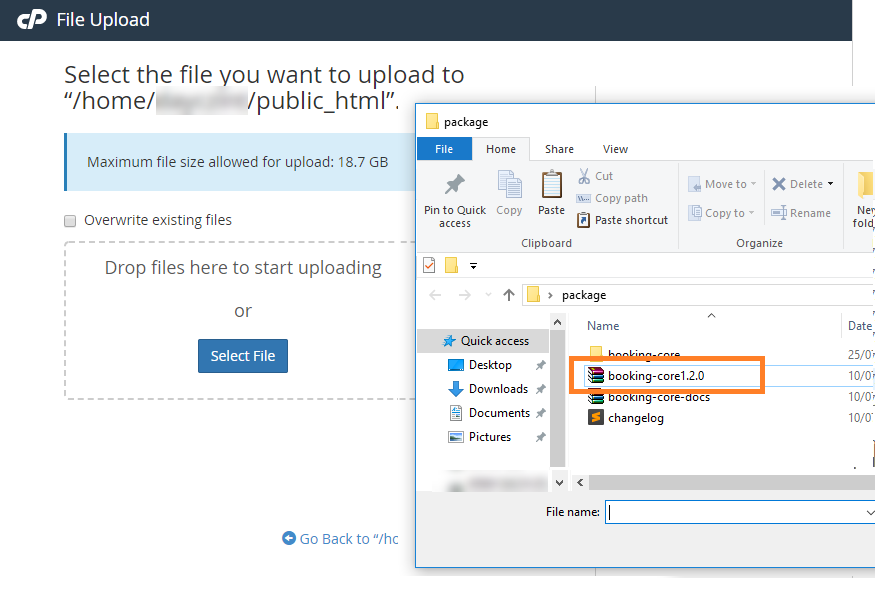
When purchasing Civi from Codecanyon, you will be able to download Civi files with your Envato account. There will be two packages for you to choose: The Main Files contains all files, or the Installable Civi files with just necessary installable Civi files.
If you choose Main Files, there will be an Civi Folder included:
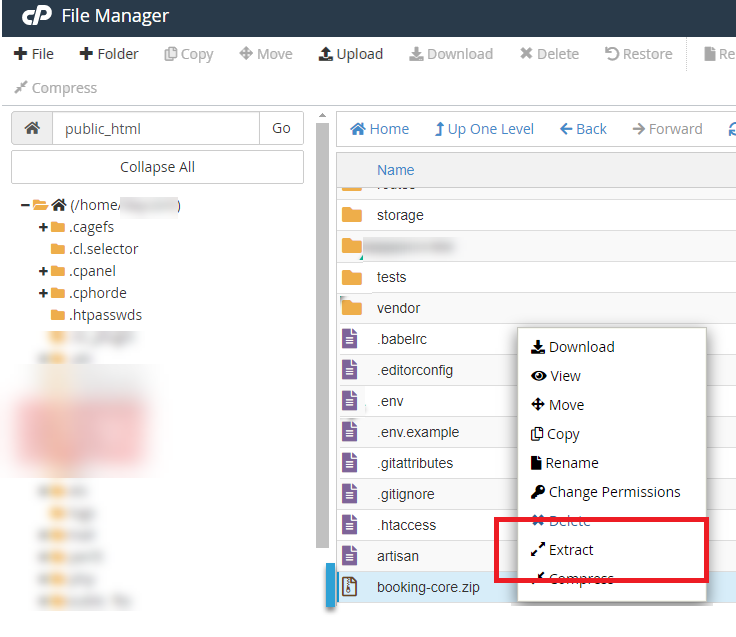
- Civi Folder – contains the Civi.zip
- Documentation Folder – contains the Document for system
- Licensing Folder – contains the licensing files. (This is not your purchase code that you need to download from codecanyon).
To find your licence key/purchase code you need to log into your ThemeForest account and go to your “Downloads” page.
Locate some of the premium Script you purchased in your “Downloads” list and click on the Download and next on the “License Certificate&purchase code” link in drop-down menu.